Currencies
Moonbase supports international currencies on multiple levels
Written By Tobias Lønnerød Madsen
When talking about currency support for your Moonbase account, we distinguish between the follow 3 types of currencies:
Presentment currencies: These are currencies you can sell to customers in
Payout currency: This is the currency of your bank account, which you get paid in
Holding currencies: These are the currencies we hold in Moonbase, before paying you
Be sure to read our article on Fees & Costs to understand what fees are applied to payments using local presentment currencies.
Presentment currencies
To support a truly global audience, being able to offer local prices in local currencies is important. These currencies are called presentment currencies, and is what your customers will see on your website and in checkouts. These are configurable in your Moonbase account settings, under “Pricing configuration”:
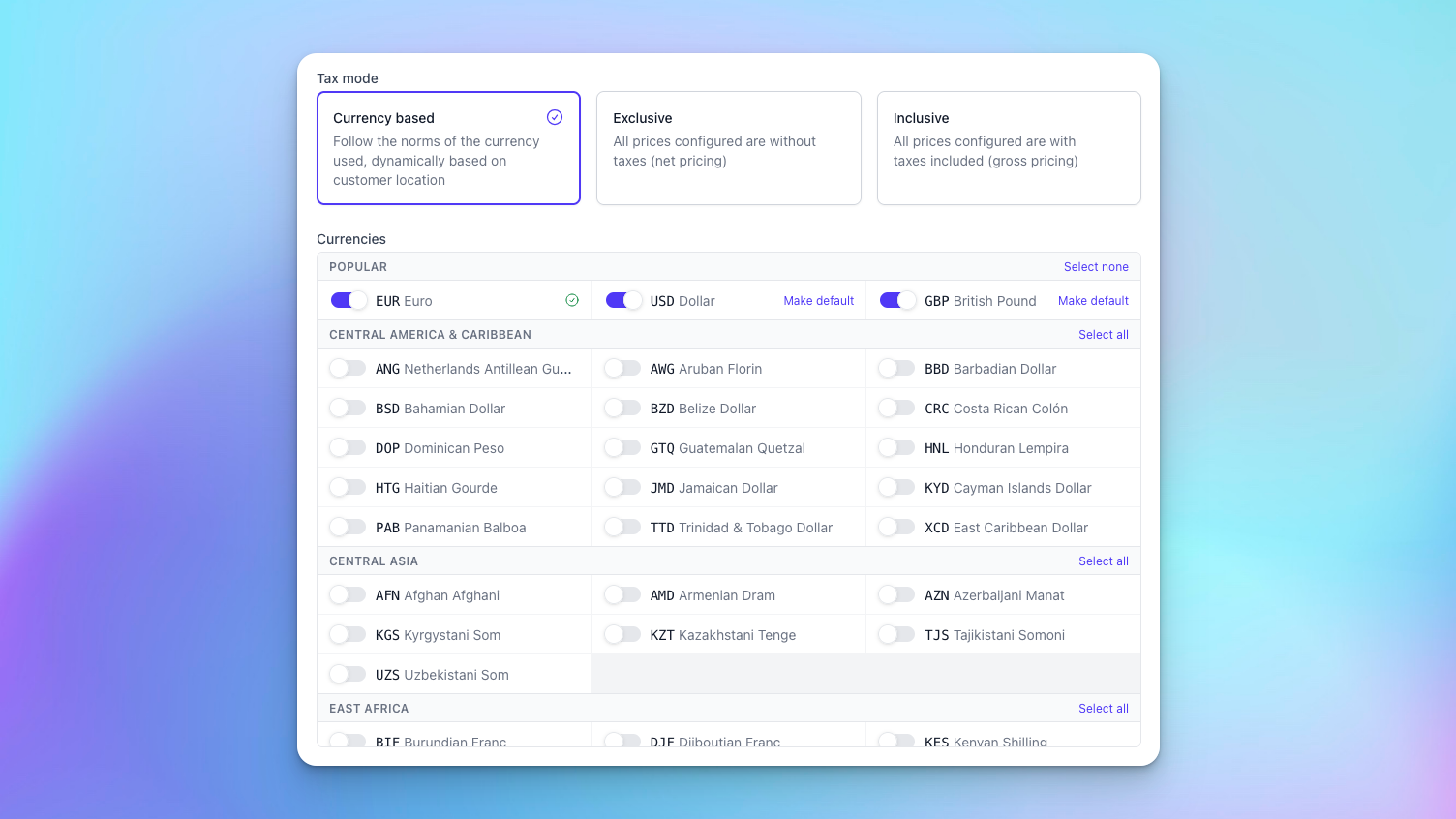
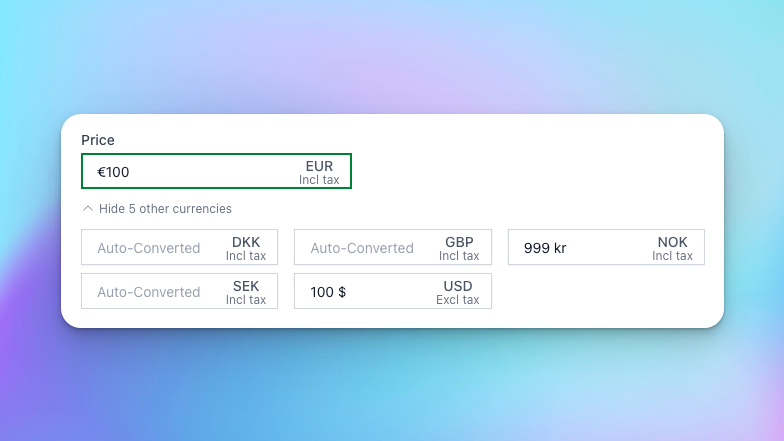
We support over 100 different currencies, with more being added occasionally. When enabling these, Moonbase will automatically convert prices you have, for customers in relevant territories, showing them pricing in their local currency. Any fees for conversions are generally levied on customers, but you may opt to set pricing manually, to ensure they don’t fluctuate, and represent a realistic price for that territory:
When doing conversions, we will prettify the resulting amount, so the number looks like a natural price for your products, and you can configure the strategy used for that prettification using the setting:
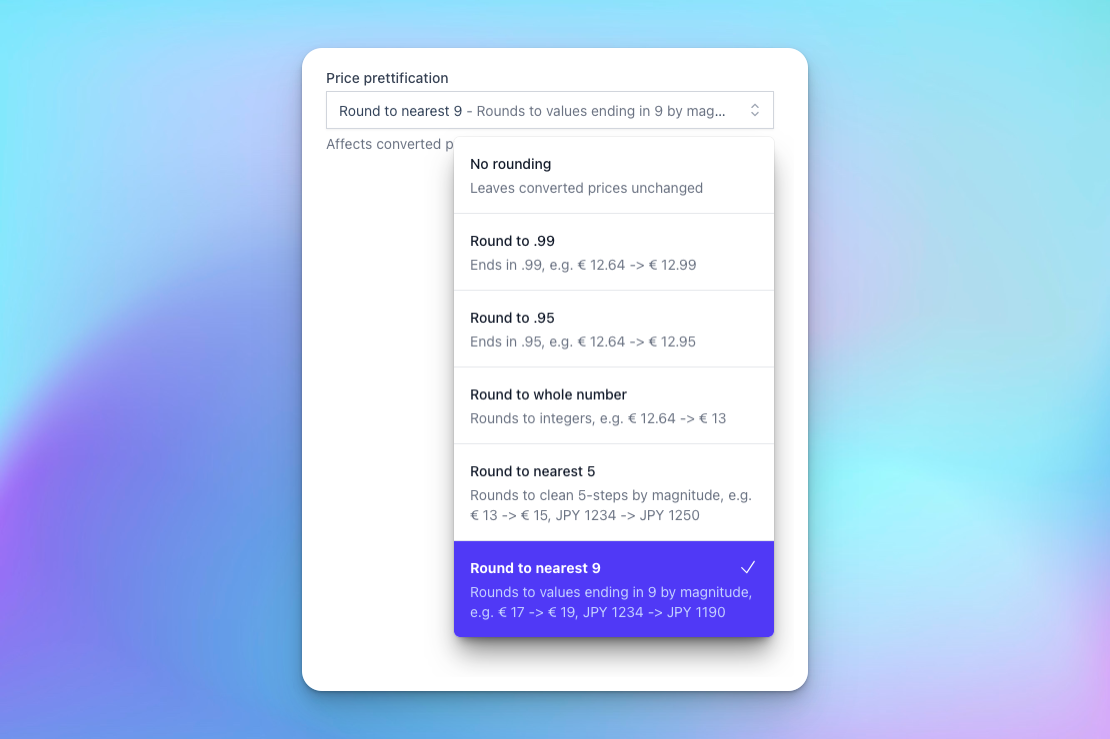
These strategies accommodate a range of strategies when rounding converted numbers, to make sure prices stay appealing for your customers.
Payout currency
Eventually, money earned on sales will be paid out to your bank account. You can yourself determine the currency we should pay you in when setting up your account with us:
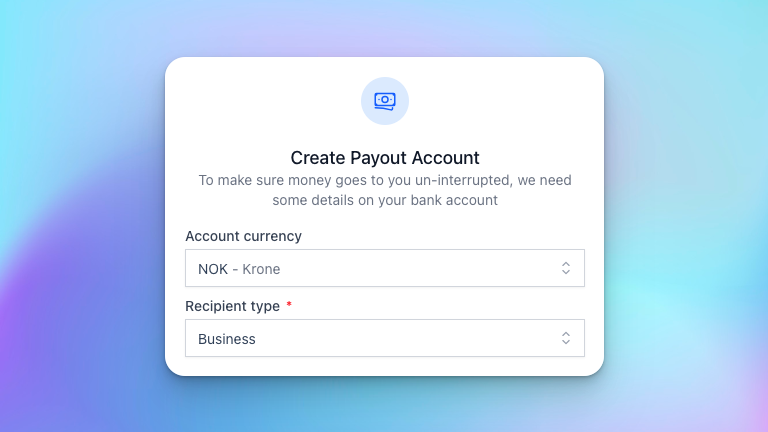
If sales are in a different currency than your payout account currency, a conversion is done in the process of transferring the money to you, using the standard mid-market rates and fees that Wise provides. In cases where you want to handle the conversion yourself, you can set your account to be a EUR/USD account, in which case your bank will handle the conversion from EUR/USD to your actual account currency.
The payout currency is also what determines the currency shown in the app on sales and analytics. For sales that have not yet been paid out to you, a non-finalized amount will be shown using the daily exchange rate to get a sense of what you will receive, while sales that are paid out to you will have the final payout amount shown.
Holding currencies
Since Moonbase is the Merchant of Record, we receive money from sales into our account, to handle payment fees, collect and remit taxes, and more. This money is kept in our internally supported holding currencies before being paid out to merchants. Because of this, you may occasionally see orders with payouts in EUR and USD before we convert it to your payout currency on the day of payout. We are working to support more holding currencies to reduce fees even more.
Was this helpful?
Still need help? Ask the team