Email notifications
Subscribe one or more email addresses to important account events; sales, refunds, disputes, payouts, integration alerts, and low key-code inventory.
Written By Tobias Lønnerød Madsen
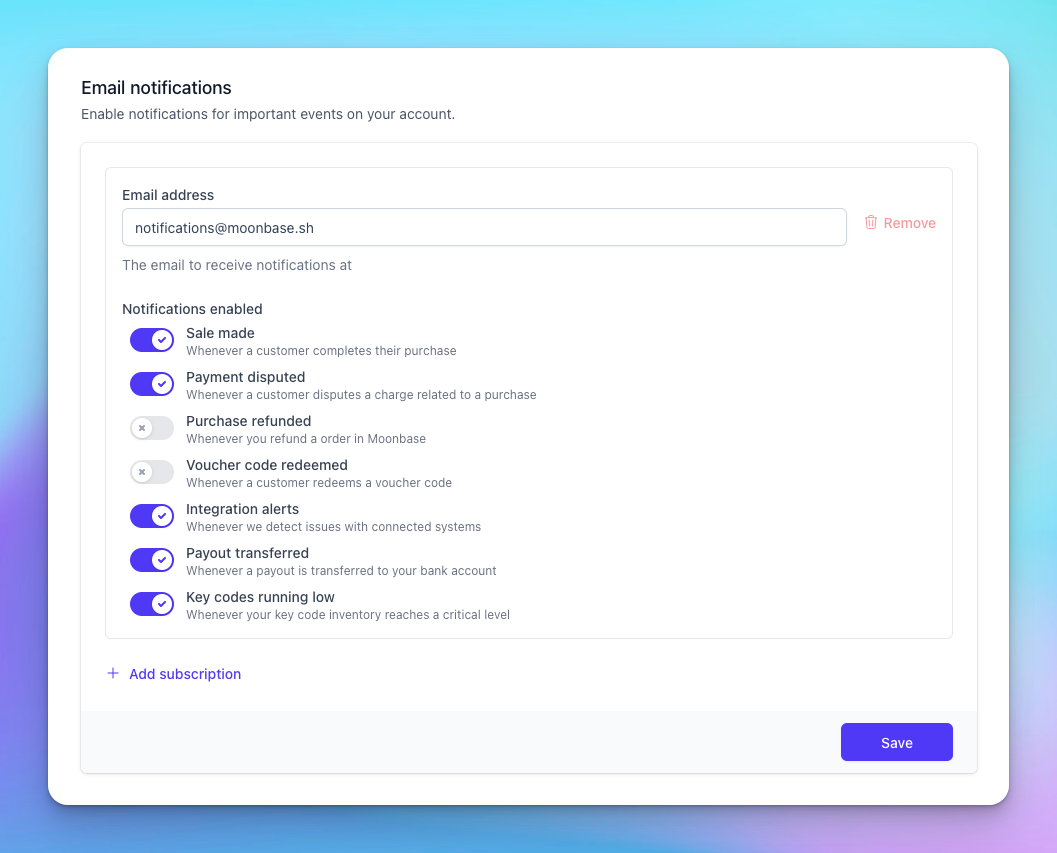
Email notifications send Moonbase events to addresses you specify. You can route different event types to different addresses — for example, send disputes to your finance lead and integration alerts to your developer Slack relay — by configuring multiple subscriptions.
Subscriptions and destinations
Each subscription has one destination email address and a set of toggles for which event types it receives. You can configure up to 5 subscriptions, useful when different teams (finance, ops, support, devs) need different event mixes.
To add another subscription, click Add subscription and fill in the email plus the toggles. To remove one, click Remove on the corresponding card. There must always be at least one subscription.
Event types
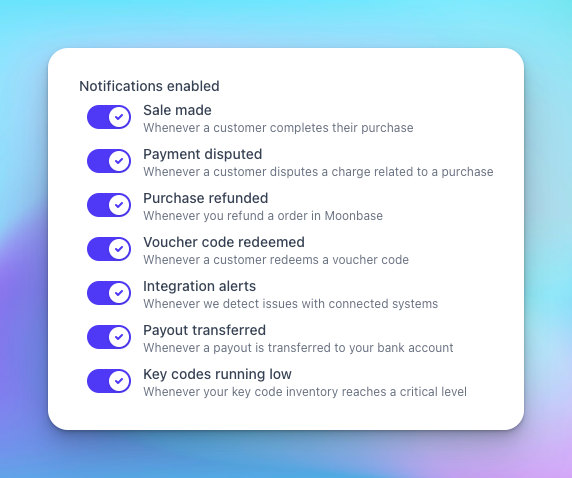
Sale made — sent when a customer completes a purchase. Useful for revenue dashboards or just a feel-good "ka-ching" notification.
Payment disputed — sent when a customer files a chargeback or dispute with their card issuer. Time-sensitive — you typically have a short window to respond. At least one subscription must have this enabled — the form blocks save otherwise.
Purchase refunded — sent when you refund an order in Moonbase. Helpful for accounting reconciliation.
Voucher code redeemed — sent when a customer redeems a voucher code, so you can track redemption rate.
Integration alerts — sent when Moonbase detects issues with a connected integration (mail provider, CRM, etc.). Route these to whoever maintains your integrations.
Payout transferred — sent when a payout is sent to your bank account. Pair with your bank's notifications for confirmation.
Key codes running low — sent when your key code inventory drops to a critical level so you have time to upload more before customers can't activate.
Frequently Asked Questions
Can I send to a Slack channel?
Can I send to a Slack channel?
Use a Slack-by-email address as the destination. Most workspaces support this via Slack's email-to-channel feature.
Can I configure different events per subscription?
Can I configure different events per subscription?
Yes, that is the whole point of supporting multiple subscriptions. Each subscription has its own toggles.
Still need help? Ask the team