MailerLite
Keep newsletter subscribers in sync between Moonbase and MailerLite, organize them into groups, and import your MailerLite subscribers
Written By Tobias Lønnerød Madsen
There are two big reasons for why you might want to connect Moonbase with your MailerLite account for improved marketing campaigns:
To synchronize new subscribers coming in through Moonbase
To enrich MailerLite subscribers with relevant groups
Our MailerLite integration is built to do both seamlessly, and will upon activation in the Moonbase App create all the same groups you have in Moonbase, in your MailerLite account.
Getting started
This integration is using an API key to integrate with MailerLite, so start by creating an API key for Moonbase in your MailerLite account settings:
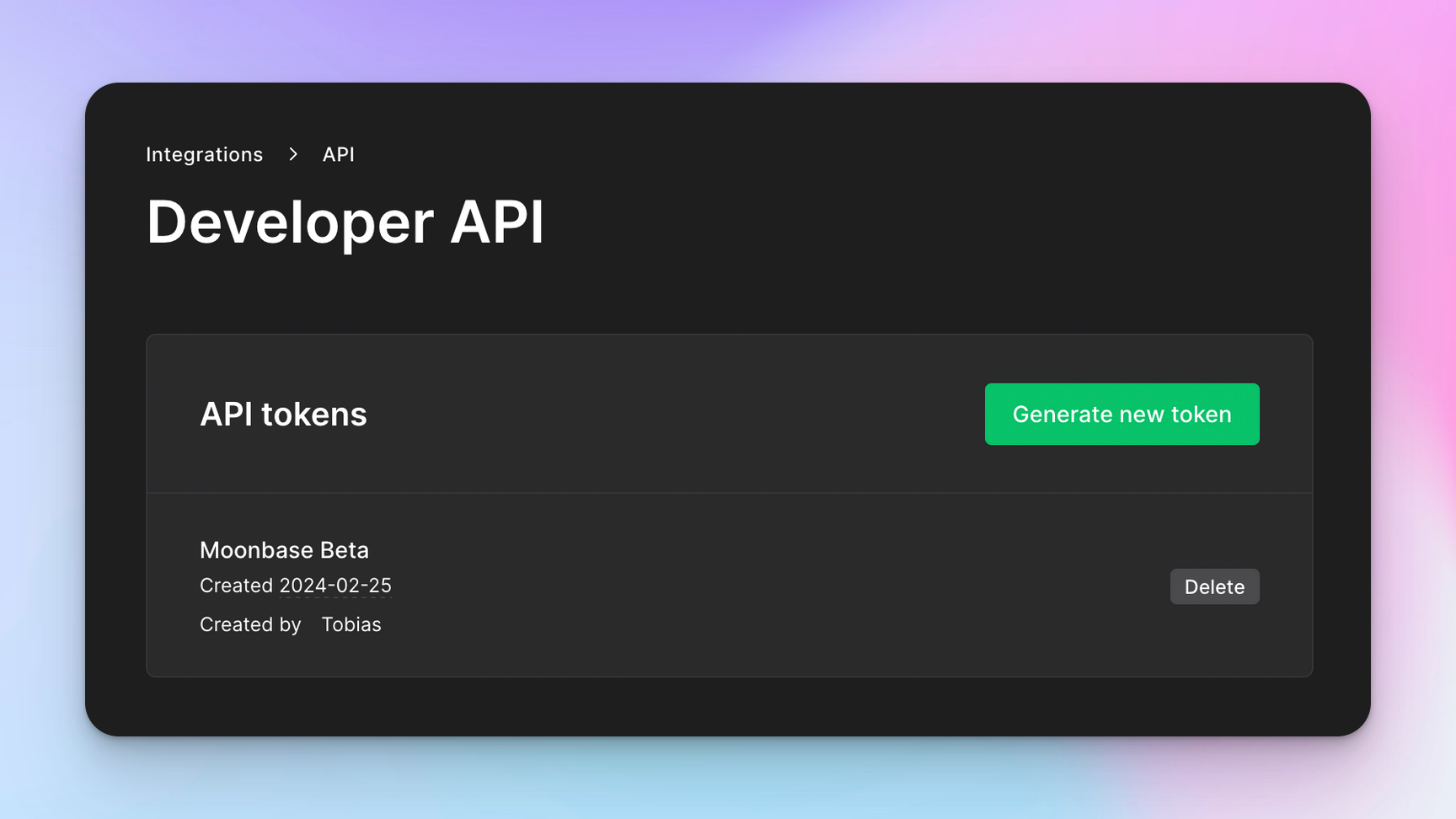
Once you have your API key, go to Account settings > Integrations, open the Available tab, click Set up next to MailerLite, paste it into API key and click Enable:
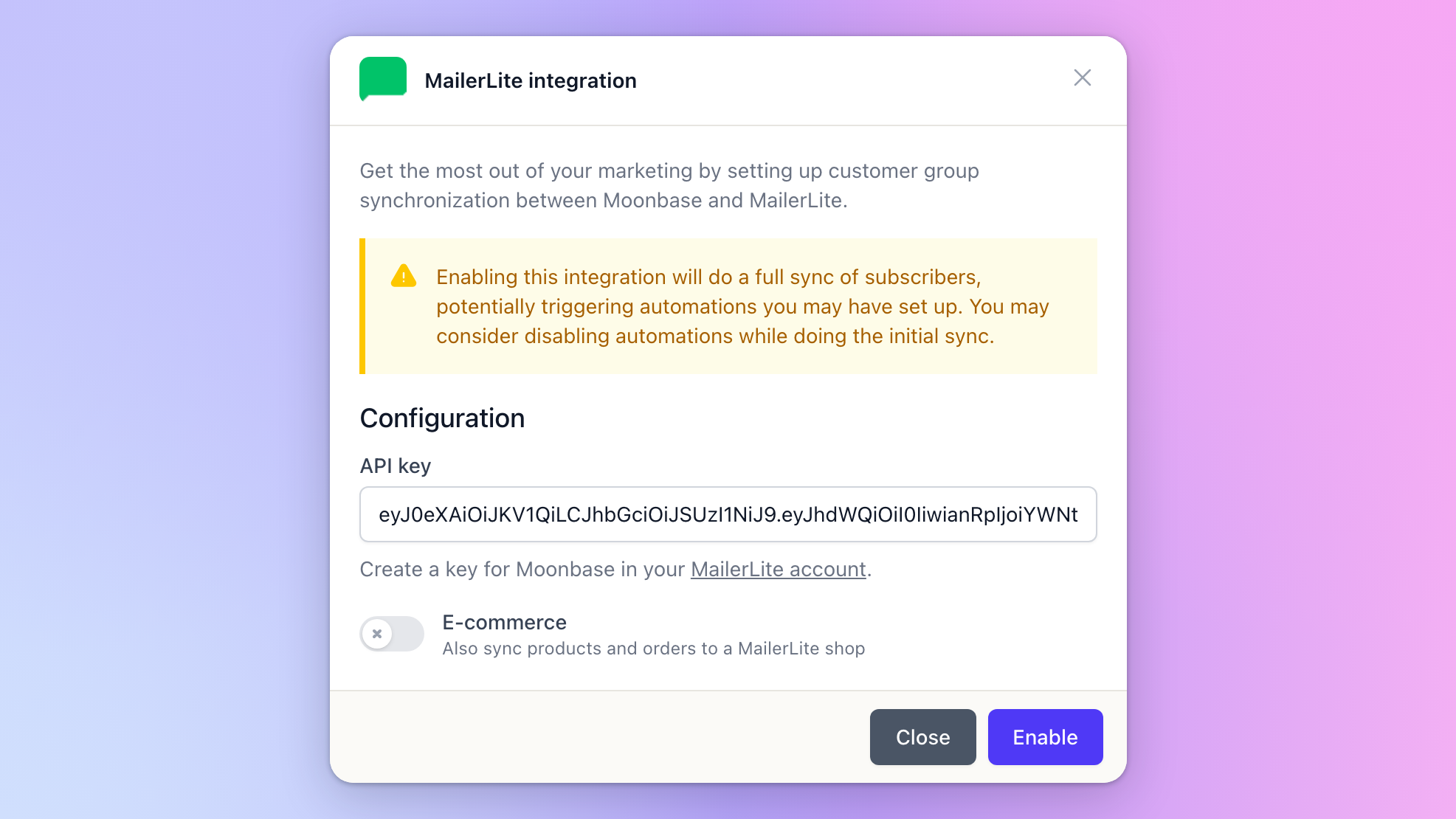
Enabling the integration does a full sync of your subscribers, which can trigger automations you have set up in MailerLite. Consider pausing them during the first sync.
Once enabled, it syncs every Moonbase customer who has opted in to your newsletter, with the groups they’re in. Consent stays in sync both ways: an unsubscribe in MailerLite reaches Moonbase within seconds, and the most recent change always wins.
Since Moonbase automatically keeps track of which customers owns which products through groups, you will have a number of subscriber groups automatically synchronized for owners of your different products. This is a powerful tool to keep marketing campaigns targeted towards the part of your audience where it can make the most impact.
E-commerce
Turn on E-commerce, in the setup dialog or later on MailerLite's Settings tab, to also send your products, bundles and new orders to a MailerLite shop. This part is still in development and doesn’t send past orders. It needs a current MailerLite API key; older MailerLite Classic keys still work, without e-commerce.
Importing your MailerLite subscribers
If you send campaigns from Moonbase, you can bring your MailerLite subscribers in: open MailerLite under Account settings > Integrations, go to its Settings tab, turn on Import MailerLite subscribers as contacts under Import contacts and click Save. Everyone MailerLite may email is added as a guest, with nothing sent to them, and new subscribers follow within seconds. Re-sync contacts reads everyone again. See Import newsletter subscribers.
Was this helpful?
Still need help? Ask the team