Product Discounts
Whether you want seasonal sales or segmented discounts, our pricing engine got you covered
Written By Tobias Lønnerød Madsen
Being able to run the sale that is most effective for your audience is critical for a good commercial strategy. And Moonbase discounts are built for that precise task.
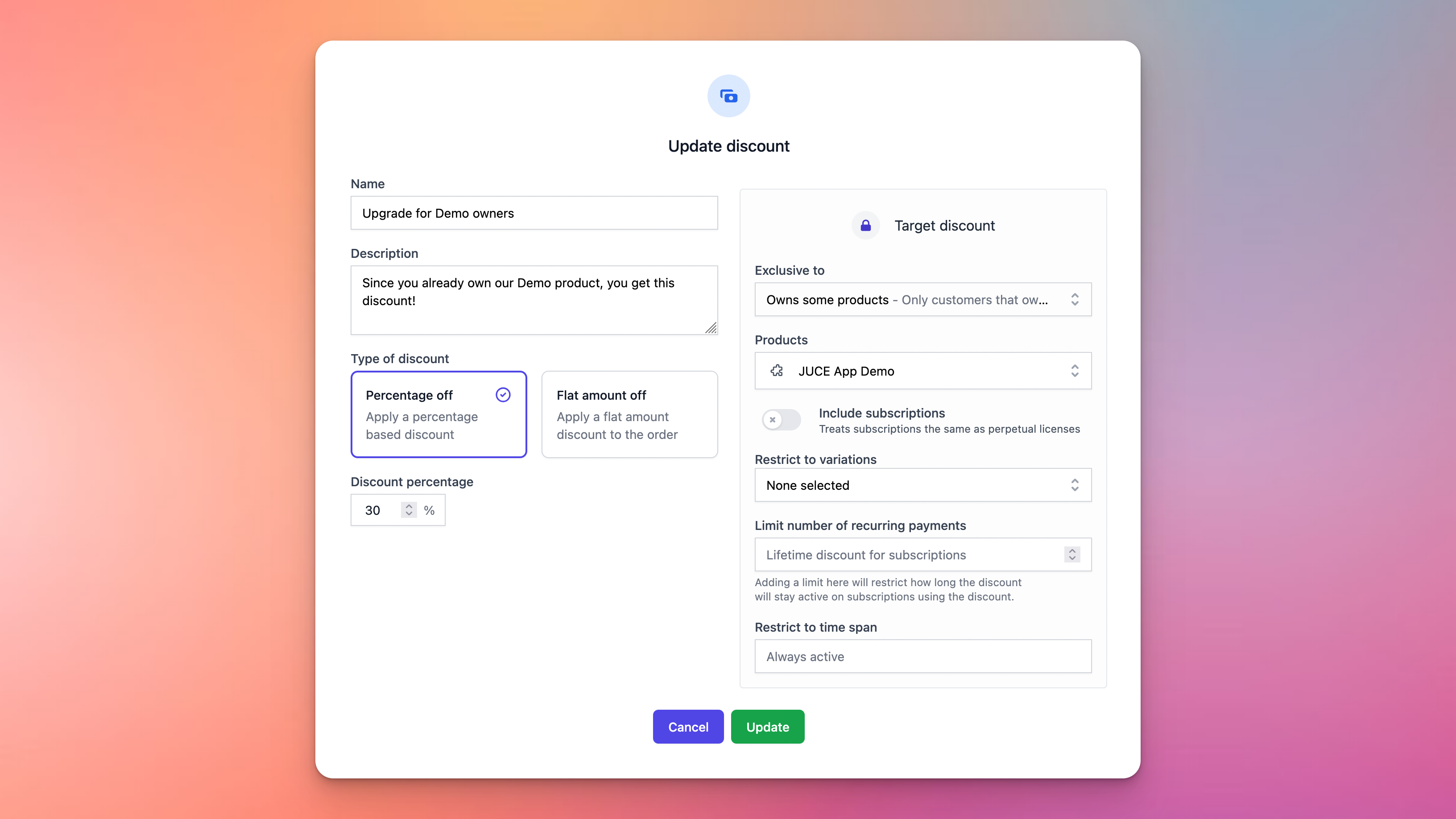
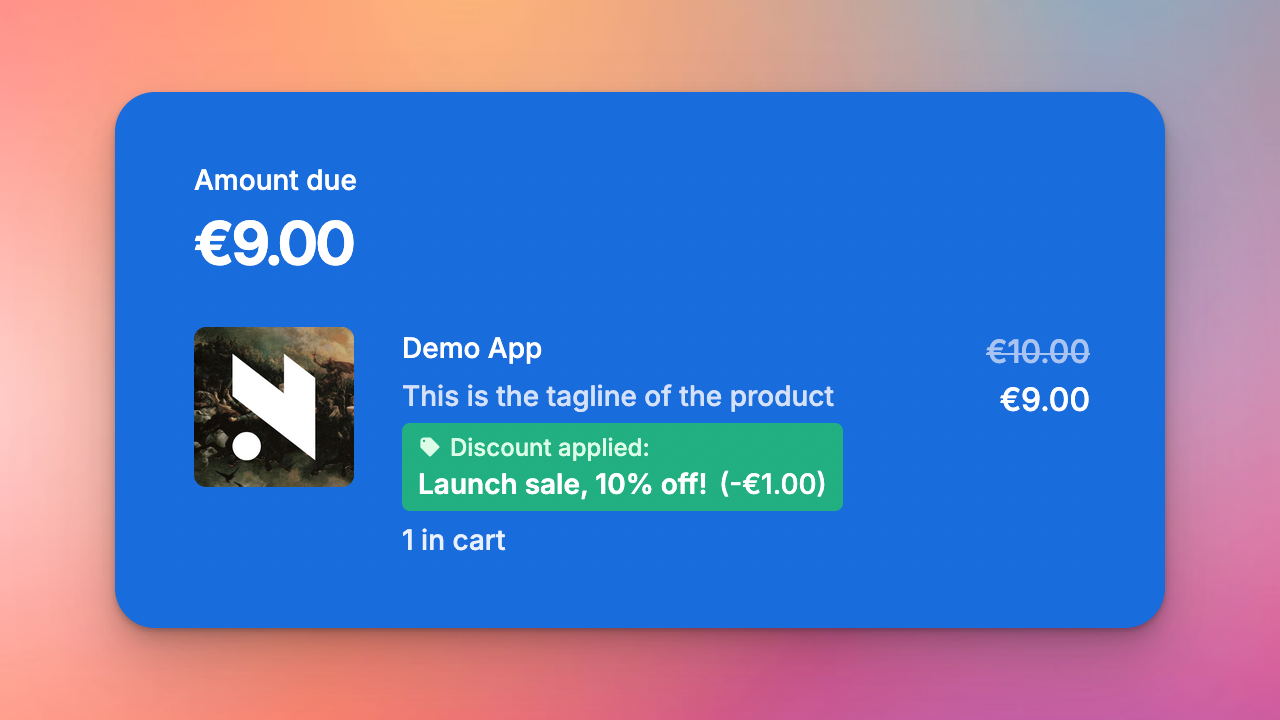
At the base of every discount is some presentational data that will be displayed to customers, like name and description of the discount, as well as an actual discount. This can either be a certain percentage off, or a flat amount. Both types will show up as a total discount amount for customers:
By default, discounts are available to all customers at all times, but you can limit the dates at which the discount is active, and also what customers should get it.
Each product and bundle in your Moonbase account can have any number of discounts added to it:
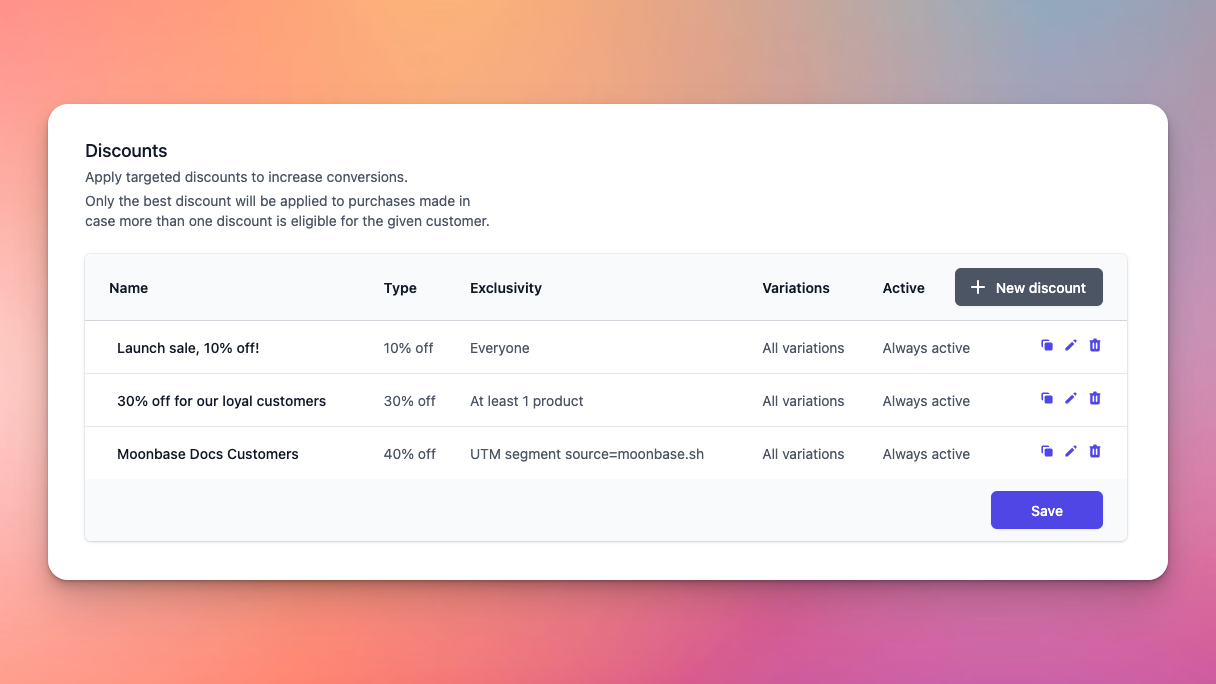
In the case a customer is eligible for more than one discount, only the best (highest amount) discount is applied to the item. This way, it’s easy to have a whole range of discounts active, without worrying about how much they would stack up to, only the best one is picked.
Targeted discounts
In order to support upgrade or cross-grade pricing for your customers, you can target the discount. Targeting the discount means restricting which customers are eligible to receive the discount, based on certain criteria. We support the following targeting:
At least a number of products: You can define a minimum count of distinct products that the customer needs to own, and optionally choose which products should be filtered on when counting. This is useful if you want to build pricing with a loyalty ladder structure.
Owns some products: You can select from a list of products, of which the customer needs to own at least one of the products. This is useful for upgrade or cross-grading pricing.
Owns all products: Similar to the one above, except the customer will have to own all products selected to be eligible.
UTM Segment: Unlike the others, this doesn’t look at the customer at all, but rather solely on the marketing trackers associated with the purchase. This is useful if you want to do sales for specific advertising campaigns without the discount being generally available.
How do different discounts stack?
This article has mainly been talking about discounts on products or bundles, but Moonbase also applies discounts from two other sources: Coupons and Offers. It’s important to consider how these stack with each other, if all three would be used by a customer, it is applied in the following order:
Product discounts
Offer discounts
Coupon discounts
Each discount is applied on the discounted amount that comes out of the preceding step. This means that in practice, if you have a product with a base price of 10€, and three discounts of 20% each, the end results is as follows:
Base price: 10€
Product discount: 2€, discounted price: 8€
Offer discount: 1.6€, discounted price: 6.4€
Coupon discount: 1.28€, final discounted price: 5.12€
Discounts for subscriptions
When customers start a subscription, discounts are by default applied to all payments for that subscription, both the initial payment but also all renewals. To change this behavior, you can tweak the recurring payment limit:
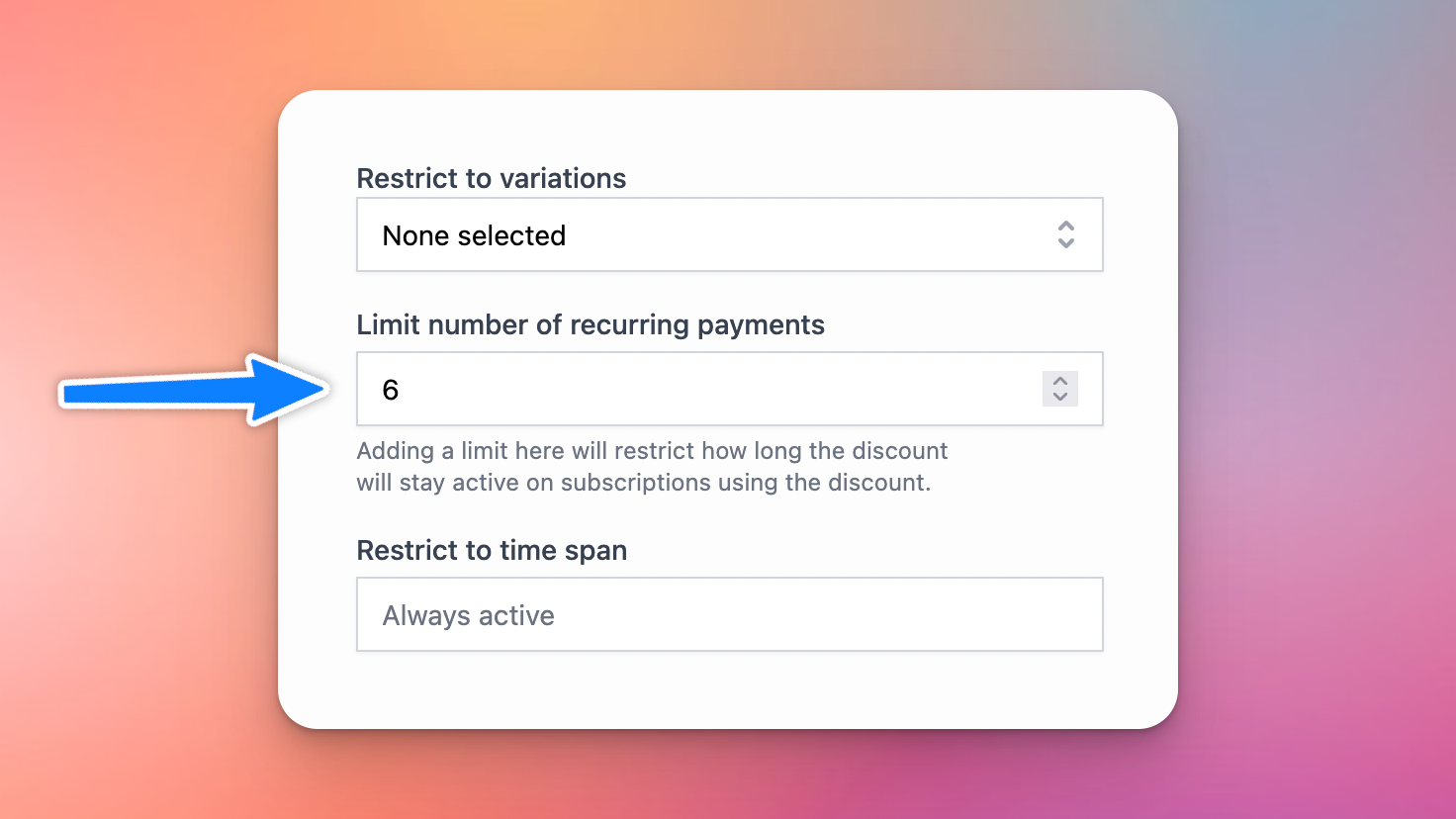
Using this, you can also create discounts to facilitate “First 6 months free”, by adding a limit like this, along with a 100% off discount percentage. In case you have different variations for monthly and yearly subscriptions, you can restrict a discount to those specific variations.
Still need help? Ask the team