Trials
Offer time-limited access to your products using trials
Written By Tobias Lønnerød Madsen
Being able to give your users a taste of your product before they purchase a license is a great way to build trust and convert customers that are not sold yet. With Moonbase trials, you can offer this, in a configurable fashion. Start by heading to the “Trials” section of your product:
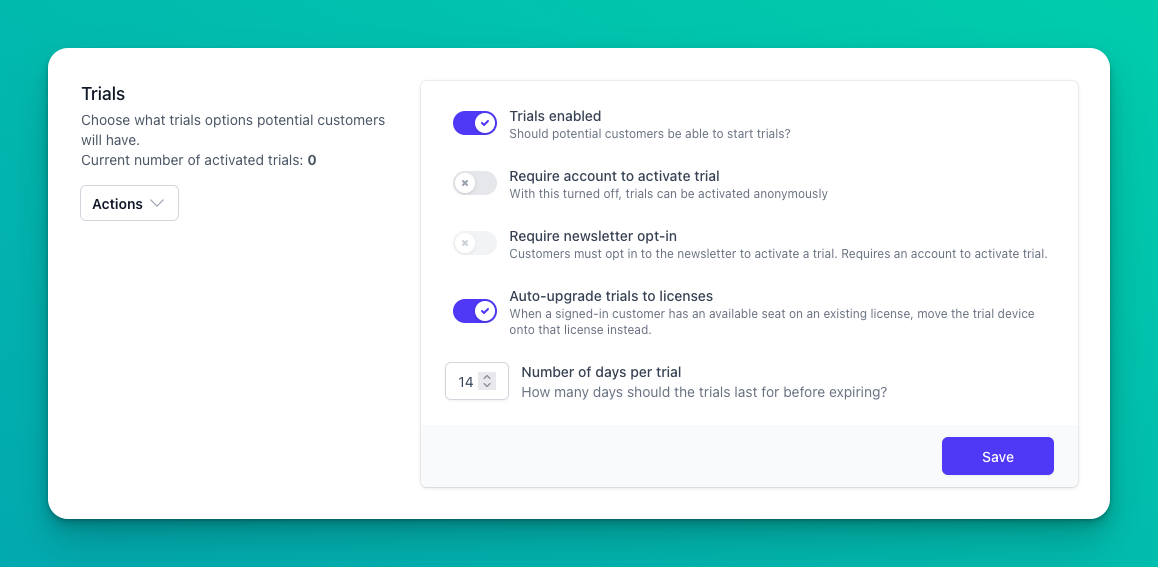
When trials are enabled, customers may start a trial once per device per product. If they re-install the application, and start the activation process again, they can choose to continue an existing trial if one was started, so long as it has not expired yet.
If you require an account to activate a trial, customers must either create an account or sign in with their existing account to start the trial. This guarantees that the trial will be attributed to that customer, and will add them to the trials customer group correctly. Trials are however still tied to the device, so the same user may start another trial on another device.
If you require newsletter opt-in, customers must accept a subscription to your newsletter to start the trial. This is very beneficial to making sure you can grow your audience using trials.
Starting a trial
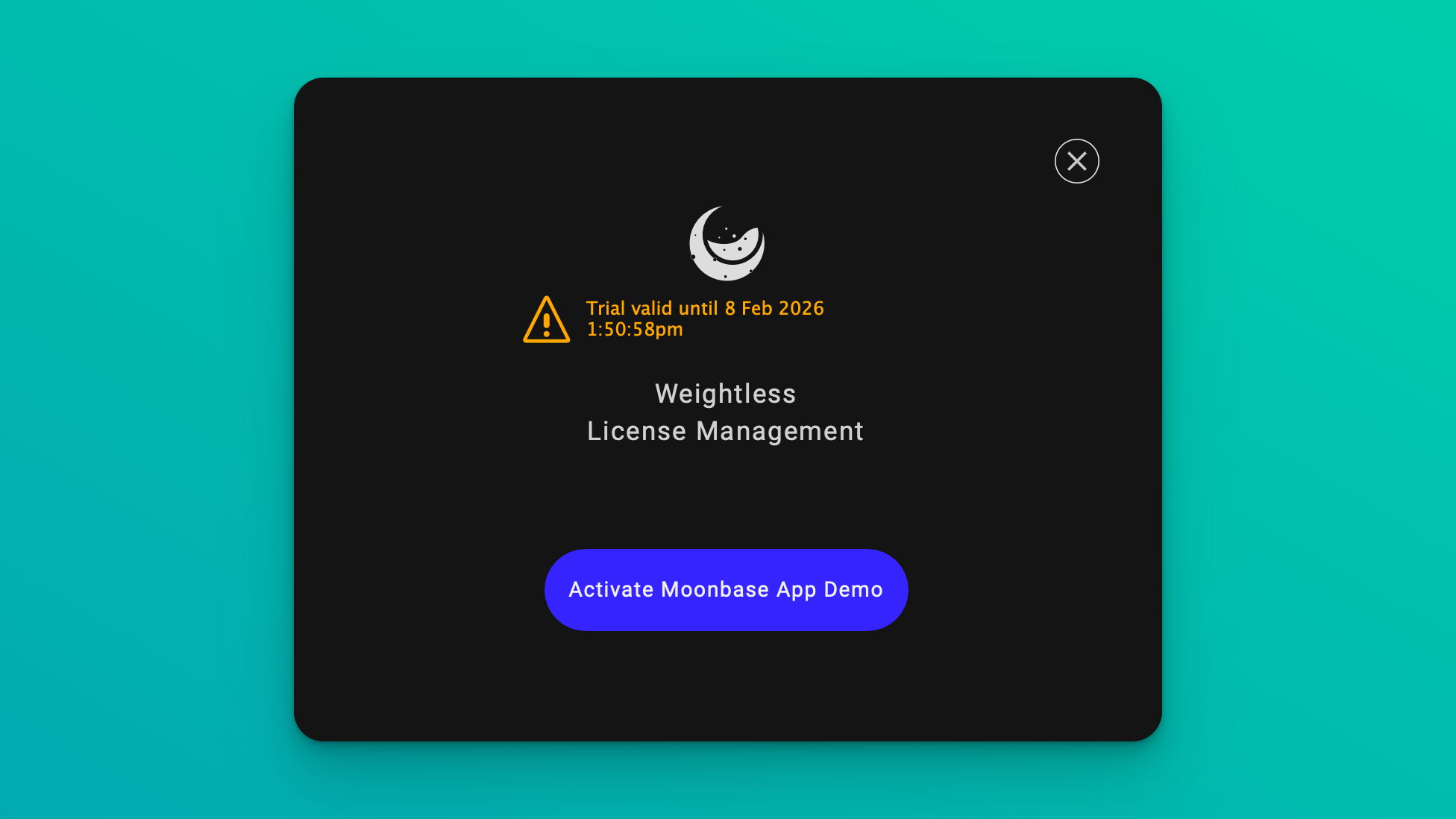
Trials are started as part of the activation flow of applications, either directly in the application or through the browser activation flow:
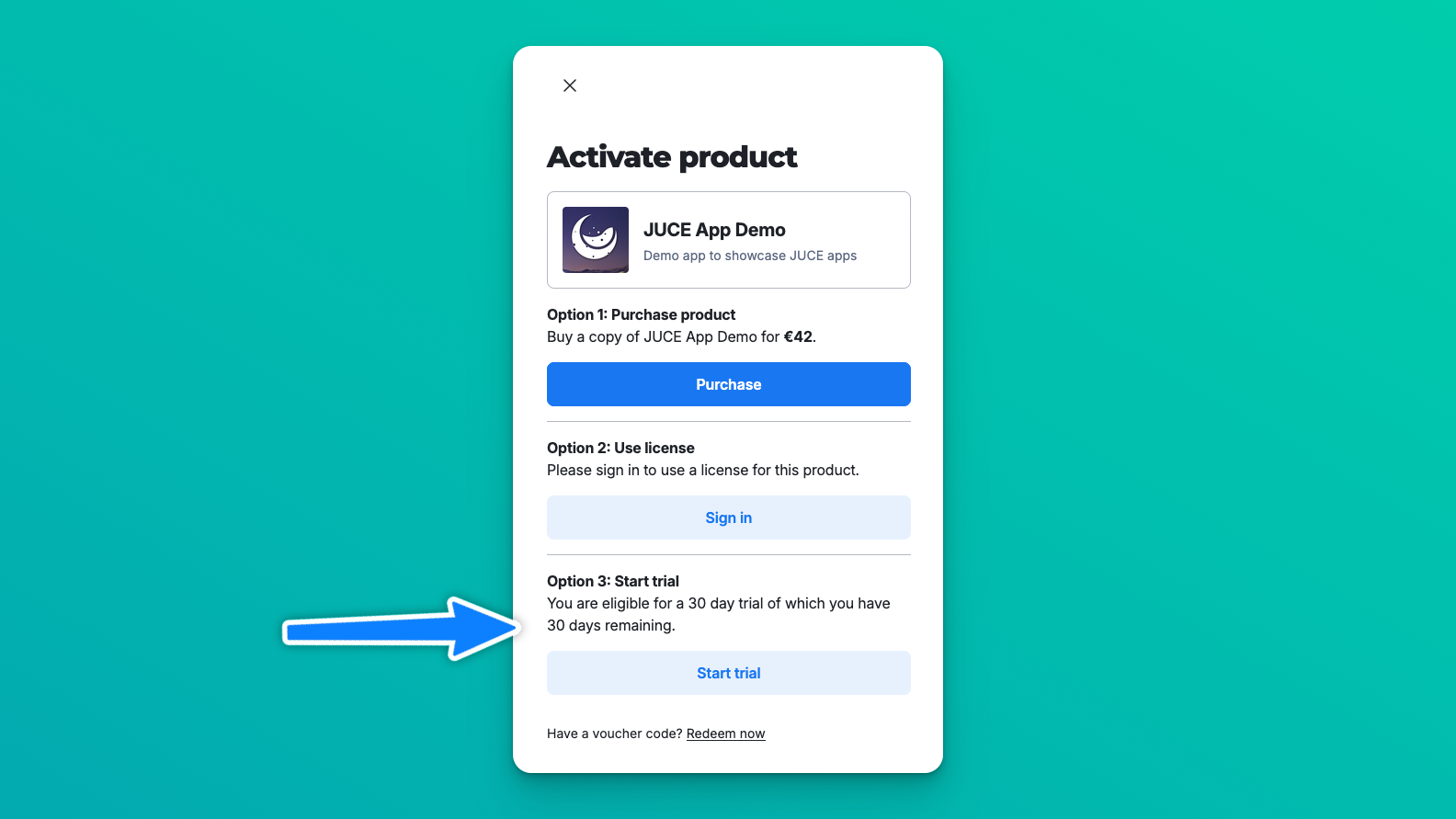
Read more about the different activation flows here: Activation Flows
The most common way to communicate trials for your applications is to direct customers to immediately download and install the application, so they can start the activation process. This requires your releases to be open for everyone to download, and you need to add download links to your website. Read more about Downloads / Releases
Automatic upgrades
When configuring trials for a product, you have the option to enable auto-upgrades:
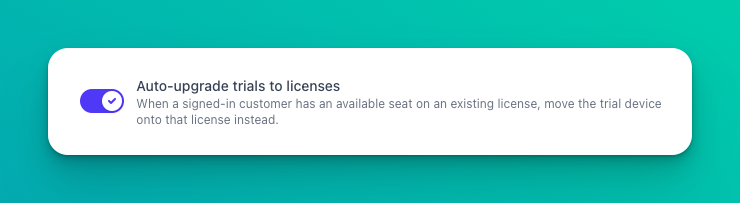
With this enabled, trials will automatically upgrade to full licenses when available. This typically happen when customers first start a trial, then buy a license, at which point the license token in the application will be upgraded on the fly. This lets them skip having to re-activate the application in order to use the purchased license.
Extend all started trials
Some times you may need to “reset” all trials for a product, for example because you have an extended beta testing phase, or simply wish to give all current customers a new trial. You can do this using the “Extend all trials” action:
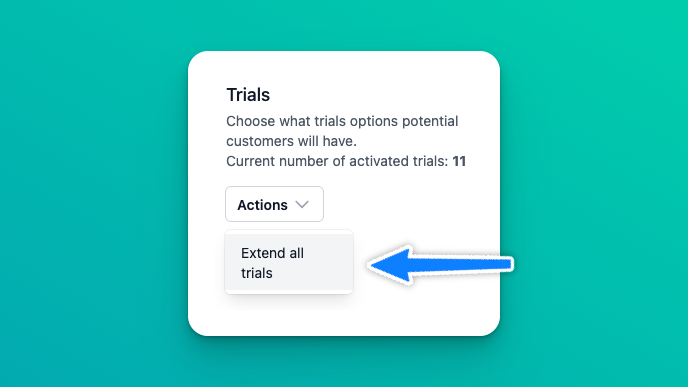
This process will extend the expiry date for all started trials, according to the current configured trial duration on the product.
Why should I require an account to activate trials?
Why should I require an account to activate trials?
By requiring an account to activate trials, you are guaranteed to know who starts trials, which can be important for marketing campaigns. Since you are able to segment by subscribers who started a trial, you can build automated journeys that email customers whose trial expires and has not purchased a license to convert them.
Was this helpful?
Still need help? Ask the team