Vouchers
One-time-use codes redeemable for product licenses
Written By Tobias Lønnerød Madsen
Vouchers are similar to Coupons , except instead of applying discounts to orders, they are redeemed directly for licenses to one or more products.
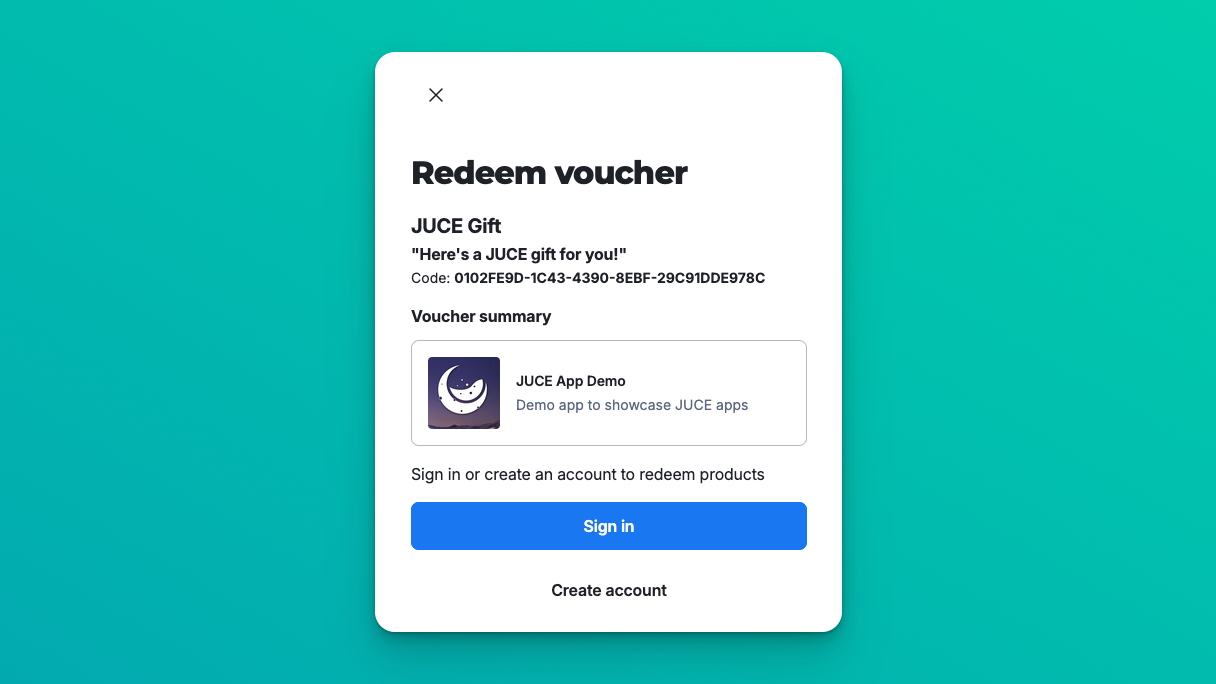
When we talk about vouchers, we actually distinguish between two different things:
“Voucher”: this is the entitlement that customers may redeem
“Voucher Code”: this is a code to redeem the configured entitlements
For a voucher to be redeemable by customers, you need to add codes for them to actually redeem.
Configuring entitlements
For a voucher to be able to grant licenses, you need to configure what it should redeem, which is called the “entitlements” of that voucher.
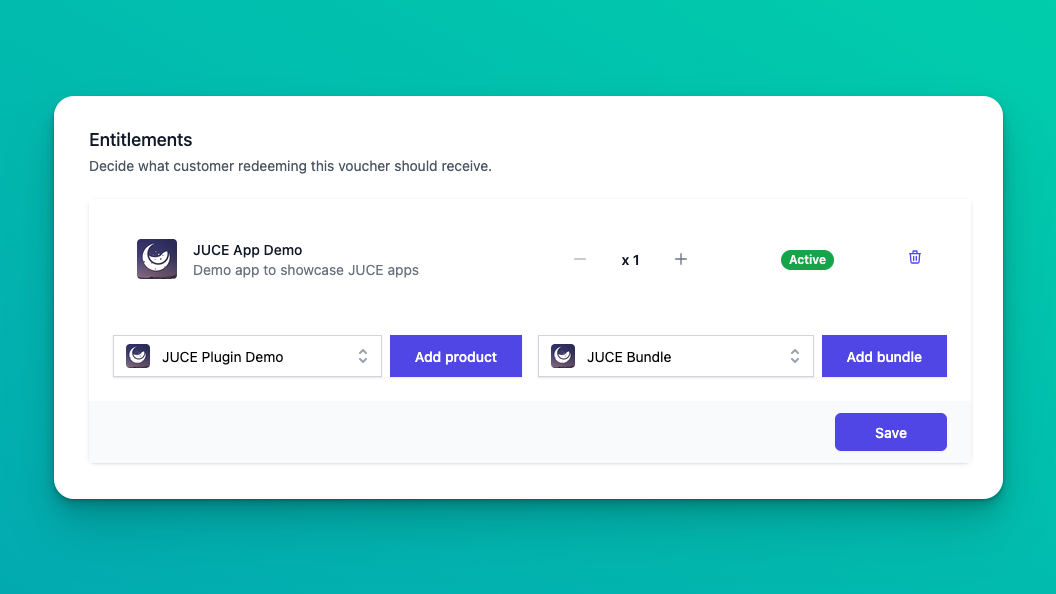
You can add both products and bundles to a voucher, and also adjust the quantity to be able to grant multiple licenses per voucher code redeemed.
Adding codes
As the last step, you need to add some codes to the voucher, so customers can redeem it. Codes should be separated by lines when entered, and you can choose yourself how your codes should look. If you want to generate semi-random codes, you can use online code generators like https://www.couponcarrier.io/code-generator/.
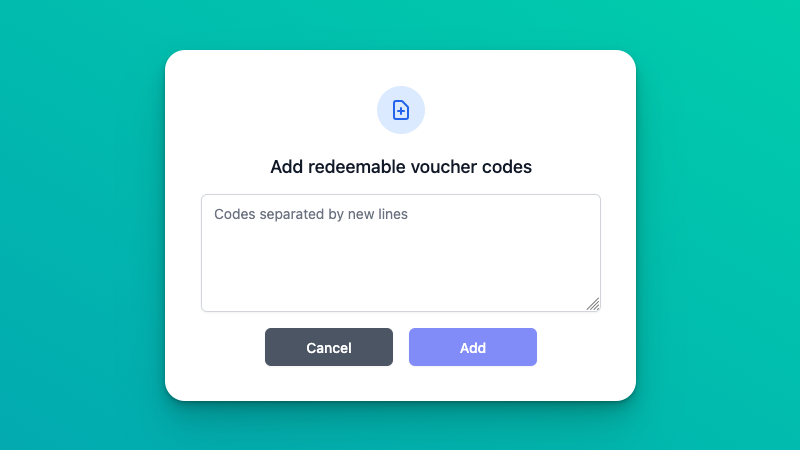
Be aware that coupon codes will be case insensitive, and always presented as uppercased codes when shows to your customers.
If you use the same code for multiple vouchers, and customers try to redeem that code, only the first non-deleted voucher will be redeemed!
Redeeming codes
When you’ve added some codes to your voucher, customers can use those to get licenses added to their account. Depending on what kind of storefront integration you are using, this will look slightly different:
Hosted Customer Portal
Simply direct customers to https://<account-id>.moonbase.sh/redeem to start the process, where they can enter the voucher code and hit redeem:
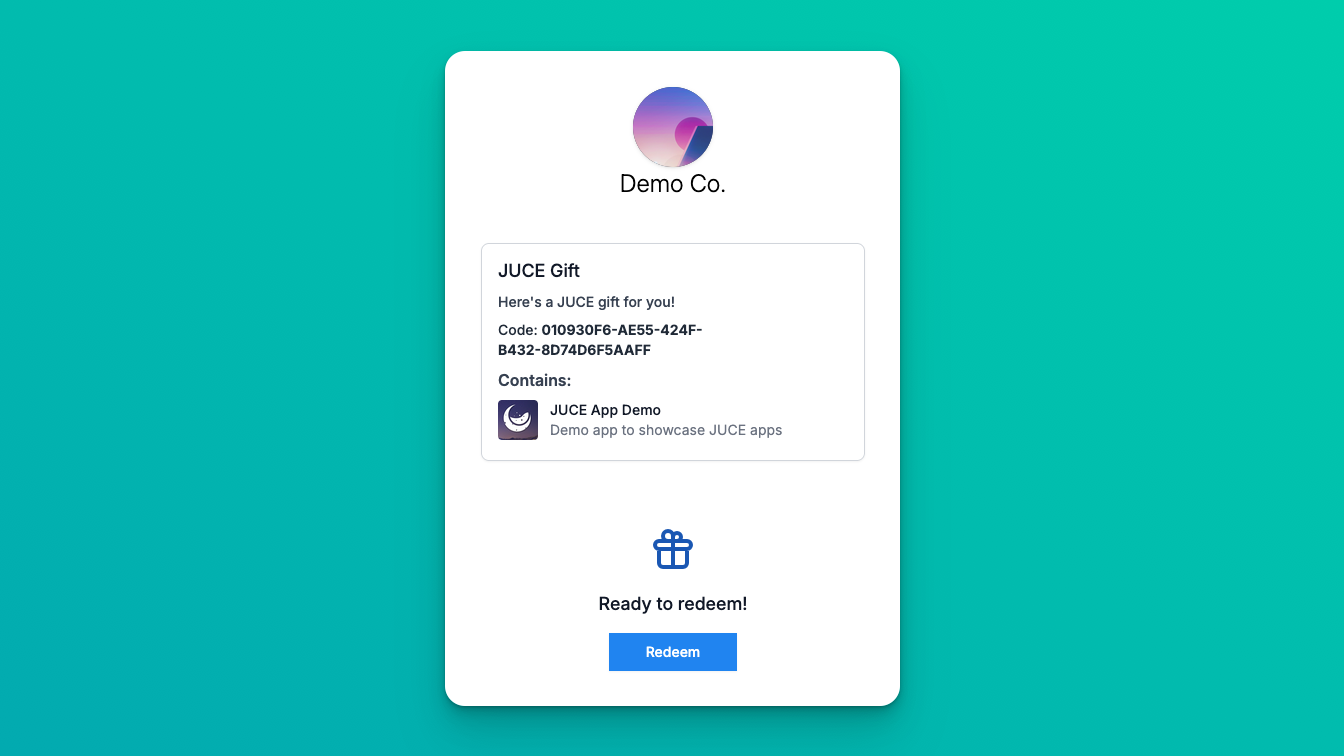
If you wish to pre-fill the code from the URL, you can add a query parameter to the URL: https://<account-id>.moonbase.sh/redeem?code=EXAMPLE-CODE .
Embedded Storefront
Trigger the storefront using the redeem_voucher intent, and optionally supply a code parameter to prefill the code:
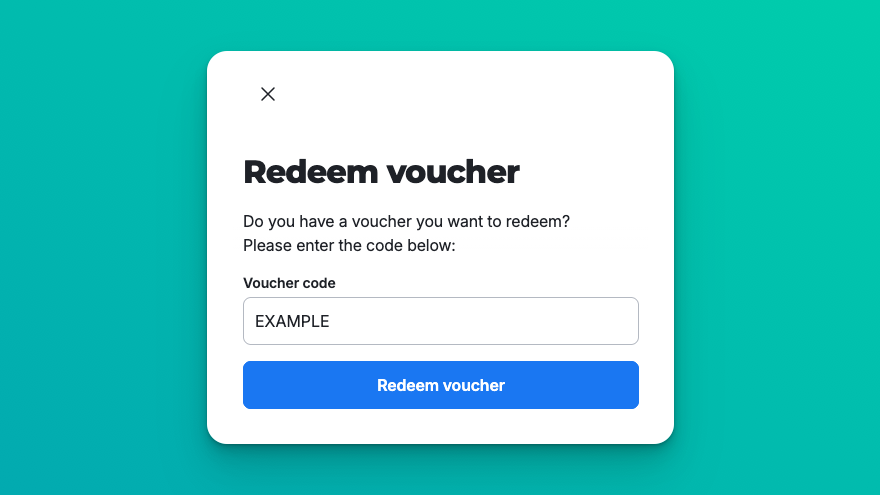
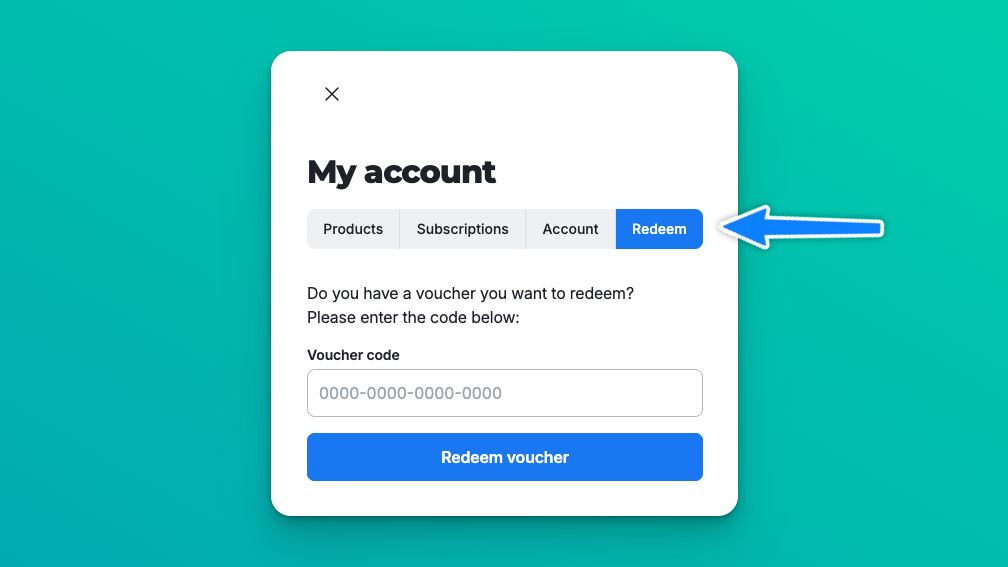
This view can also be accessed from the user area, so you can also instruct users to sign in or create an account, and then navigate to “Redeem”:
Custom Integration
For more information on using vouchers with our storefront SDKs, see the developer docs:
Supporting re-sellers
A common use-case for vouchers is to support re-sellers of your products where API integrations are not feasible. In these cases, you can treat voucher codes a license keys to be sold through re-seller platforms, with customer instructions to redeem the code on your website, as described above in Redeeming codes.
Was this helpful?
Still need help? Ask the team